 b9_1155
ad · our own product · the lazy guides, vol. 2
the lazy guide to self-custody
a backup you've never tested is a hope, not a backup.
self-custody means you hold the keys to your coins yourself, instead of an exchange holding them for you. no exchange can freeze them (though some token issuers, including many stablecoin issuers, can freeze their own tokens in any wallet). no company can help if you lose them either. this guide explains how that job works and how people usually get it wrong. it covers what a wallet really is, how to back it up, and how to test the backup without moving any coins.
you need a calm hour, pen and paper, and for one of the two test methods, a spare device.
hover or tap to flip
free reading first
not sure yet? these are free and use the same method.
-
test your seed backup: the recovery test nobody does
a backup that has never been restored is a theory. how to test a seed phrase backup safely, without moving funds.
-
wallet approvals: the permission you forgot you gave
not every drain is a rug by the team. some start with an old approval or a harmless-looking signature. how approvals, permit and revoke work.
-
what your family finds when you die (often nothing)
self-custody means nobody can take your coins. it also means nobody can find them. a checklist for an inheritance plan that doesn't hand over keys today.
look inside
real pages from the pdf, as they are. page numbers refer to the full guide.
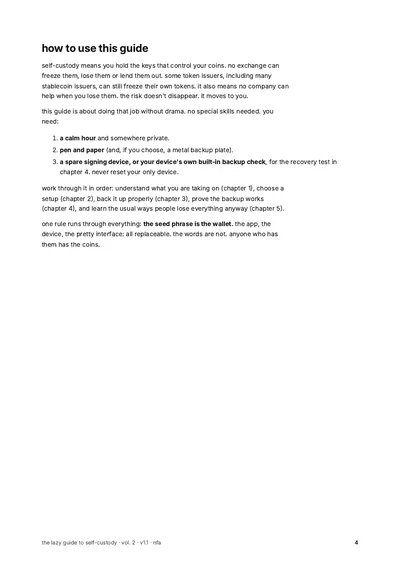
p. 4 · how to use this guide 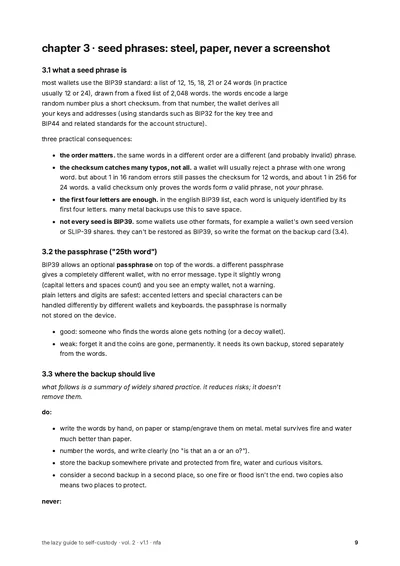
p. 9 · seed phrases: steel, paper, never a screenshot 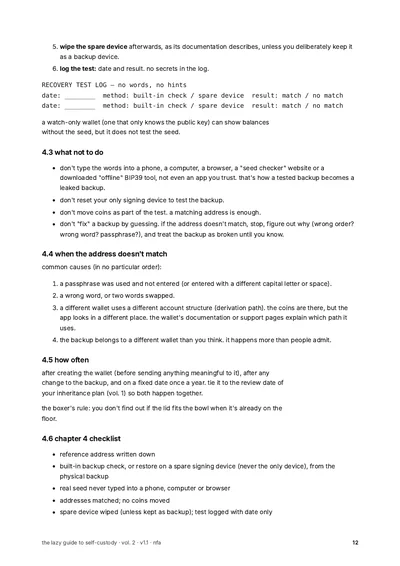
p. 12 · the recovery test: what not to do 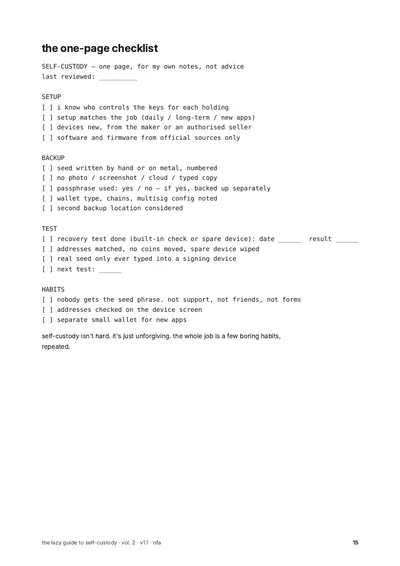
p. 15 · the one-page checklist
what you learn
- what "not your keys, not your coins" actually means, and the risk you take on either way.
- the main wallet types (hot wallet, hardware wallet, air-gapped, multisig) and what each is good and bad at.
- how to set up a device step by step, and why a device that arrives with words already written down is compromised.
- how a seed phrase works, what the optional passphrase does, and where a backup should and shouldn't live.
- what to write down besides the words, so the coins can actually be found again.
- a step-by-step recovery test that moves no coins and never puts your words on an internet-connected device.
- nine common mistakes (made-up people, real patterns), from seed phrase screenshots to forgotten wallet approvals.
what's inside
- what "not your keys" actually means
- hot, cold and the wallet in between
- seed phrases: steel, paper, never a screenshot
- do a recovery test before you need one
- common mistakes (made-up people, real patterns)
five chapters, a recovery-test walkthrough, a one-page checklist, a glossary and the technical standards as sources.
who it's for
- you just moved coins off an exchange, or you're about to.
- you wrote a seed phrase down somewhere and you're not sure it's right.
- you want plain explanations, not a shopping list.
who it's not for
- you want a product recommendation. there are none inside.
- you want trading advice.
- you want a promise that your coins will be "safe". no guide can promise that.
get the pdf
ad · our own product. $3.99, one time. tick the box, then pay with bitcoin lightning. the download appears on this page as soon as the payment goes through.
$3.99 one-time · pdf · no account
creating invoice…
in the x app? "open in wallet" may do nothing: tap copy invoice and paste it in your wallet, or open this page in your browser. expires in 15:00.
keep this page open. the download appears here when paid. receipt: bookmark this link.
paid. thanks. link valid 24h.
re-download for 12 months: your receipt page (bookmark it).
invoice timed out. if you didn't pay, nothing was charged.
paid it anyway? your receipt page still checks and delivers.
price $3.99. lightning: sold by the seller shown here when checkout opens. broken, missing or not what the page described: a working file or your money back. contact: rektnotrich@tuta.io. this doesn't limit your rights where you live.
no account, no cookies at checkout. we keep the order id, course and the ref/utm tag of the link you came from, nothing else. privacy.
questions
which wallet should i buy?
the guide doesn't say. no wallet brand, device or app is named, on purpose.
do i need a hardware wallet?
not to hold coins: the guide covers phone and computer wallets too. but the recovery test in chapter 4 needs a signing device: a hardware wallet's built-in backup check, or a spare signing device. the guide never has you type real words into a phone or computer.
will i have to type my seed phrase anywhere?
no. the guide's main rule is the opposite: real words only ever go into a signing device, never a phone, computer or website.
will this make my coins safe?
no guide can do that. it reduces specific risks, and it says which ones.
how much is it?
$3.99, one time, for one pdf. no subscription. each guide is sold on its own.
how do i pay?
with bitcoin lightning only. any lightning wallet that can pay a standard lightning invoice works. the invoice appears right on the page, no account needed. card, apple pay and on-chain bitcoin are not offered right now.
why does the invoice expire?
the price in sats moves with the bitcoin price, so each invoice holds it for 15 minutes. after that, make a new one with one click. if you didn't pay, nothing is charged.
when do i get the pdf?
right after the payment goes through, a download button appears on the same page. the link works for 24 hours. your receipt page lets you download again later. bookmark it.
do i need an account or an email?
no account, no email needed. your receipt page is your confirmation; save the receipt pdf.
what is the checkbox for?
the pdf is delivered right away. where you have a right to cancel a purchase, it ends once the download starts. the box asks you to confirm that. it is never ticked for you.
"open in wallet" does nothing.
that happens in some in-app browsers, like the x app. tap "copy invoice" and paste it into your wallet, or open the page in your normal browser.
who is the seller?
rektnotrich (contact: rektnotrich@tuta.io). the same seller line is shown in the checkout before you pay and on your receipt.
what if the file is broken?
broken, missing or not what the page described: a working file or your money back. contact: rektnotrich@tuta.io. this doesn't limit your rights where you live.
what do you keep about me?
the order id, which guide, and the tag of the link you came from. no account, no cookies at checkout. → /privacy/
is this financial advice?
no. it's education. nothing in the guides tells you what to buy, sell or hold.
words used in this guide
- seed phrase
- a list of words, usually 12 or 24, that can recreate all the keys of a wallet.
more
anyone who has the words controls the coins, so they are usually kept on paper or metal, not in a photo, a cloud note or a website. most wallets follow the BIP39 standard; real support never asks for the words. - self-custody
- holding the keys to your crypto yourself, instead of a company holding them for you.
more
no exchange can freeze or lose your coins (though some token issuers, including many stablecoin issuers, can freeze their tokens anywhere), but no company can help if you lose the backup either. the risk moves from the company to you. - custodial
- a setup where a company, usually an exchange, holds the keys and you hold an account.
more
you have a claim on the company, not direct control of the coins. if the company fails, freezes withdrawals or gets hacked, your access depends on it. - private key
- the secret that authorises coins to move from an address.
more
wallets usually create private keys from the seed phrase, so protecting the seed protects the keys. whoever has the key can move the coins. - hot wallet
- a wallet whose keys live on a device that is connected to the internet, like a phone app or browser extension.
more
often used for small, everyday amounts. anything that compromises the device, such as malware or a fake app, can reach the keys or trick you into signing. - hardware wallet
- a small dedicated device that keeps the keys inside and signs transactions there.
more
the computer or phone builds and shows the unsigned transaction, but never sees the keys, only the finished signature. the device can still be tricked into signing a bad transaction, and its backup is still a seed phrase. - passphrase ("25th word")
- an optional extra word or phrase added on top of a seed phrase.
more
a different passphrase opens a different wallet, with no error message, so a typo shows an empty wallet. it needs its own backup, kept apart from the words. - multisig
- a wallet that needs more than one key to move funds, for example any 2 of 3.
more
with a setup like 2 of 3, one lost or stolen key is not fatal. the wallet configuration (which keys, how many are needed) must be backed up as well, or the keys alone may not find the coins. - derivation path
- the route a wallet uses to find accounts and addresses from a seed phrase.
more
different wallets can use different paths. the right words with the wrong path can show an empty wallet, so the path or wallet type belongs in your notes. - recovery test
- checking that your written backup really recreates the same wallet, without moving any coins.
more
done with a device's built-in backup check or a spare signing device, never by typing the words into a phone, computer or website. matching addresses means the backup works. - public key / xpub
- a key that lets a wallet see an account's addresses and balances, but not spend.
more
an xpub (extended public key) can't spend on its own, but it reveals every balance and the transaction history of the account, and together with any one leaked private key from that account it can expose them all. treat it as private: share it only with software you use for watch-only or multisig. - watch-only wallet
- a wallet that only knows the public key, so it can show balances but cannot spend.
more
useful for checking balances. it does not test whether your seed phrase backup is correct.
other topics
nfa. education, not advice. not personal advice.
education, not financial, investment, tax or legal advice. no recommendation to buy, sell or hold any crypto-asset. examples are made up or hypothetical. you can lose everything you put into crypto.